Background & Challenge
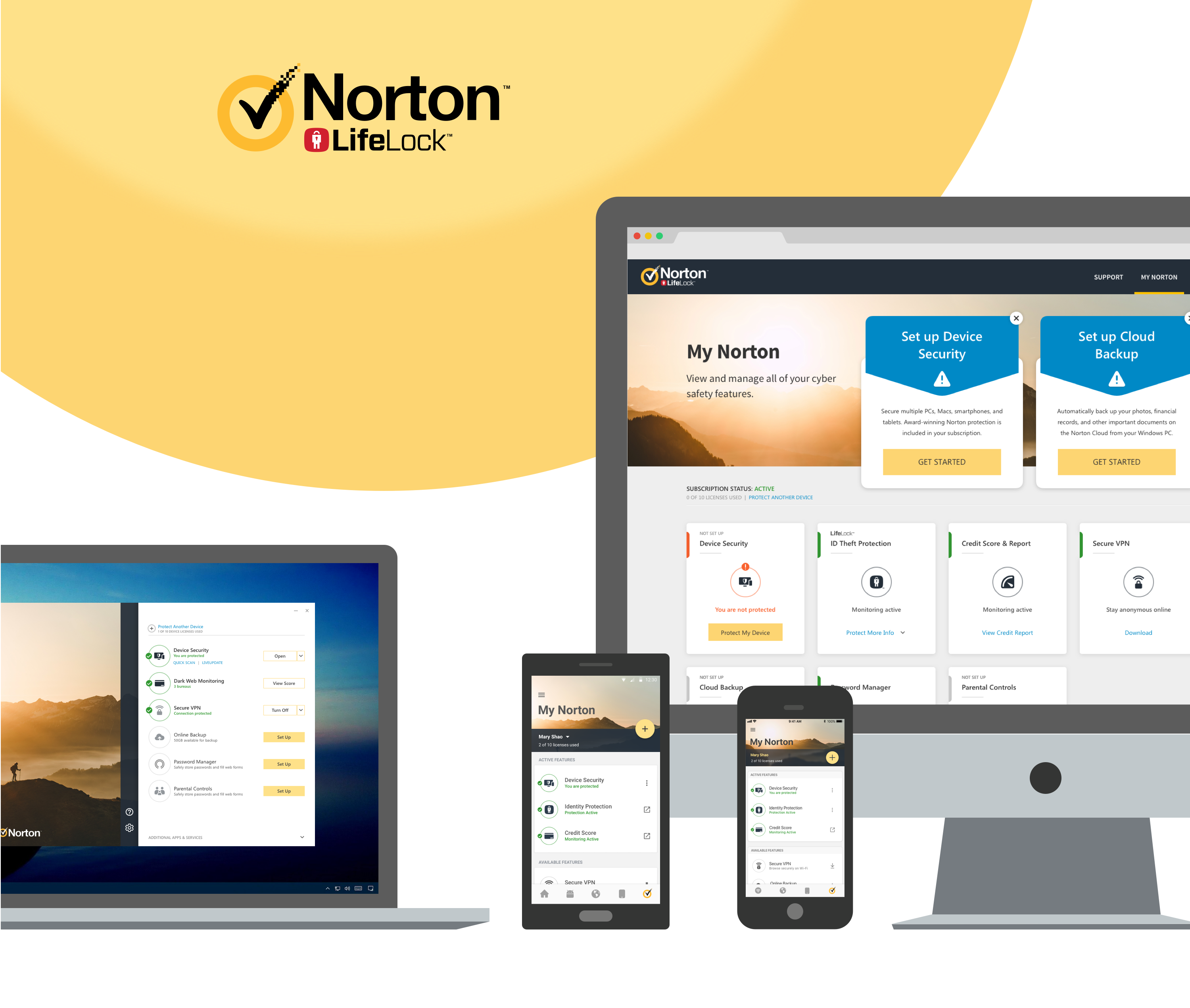
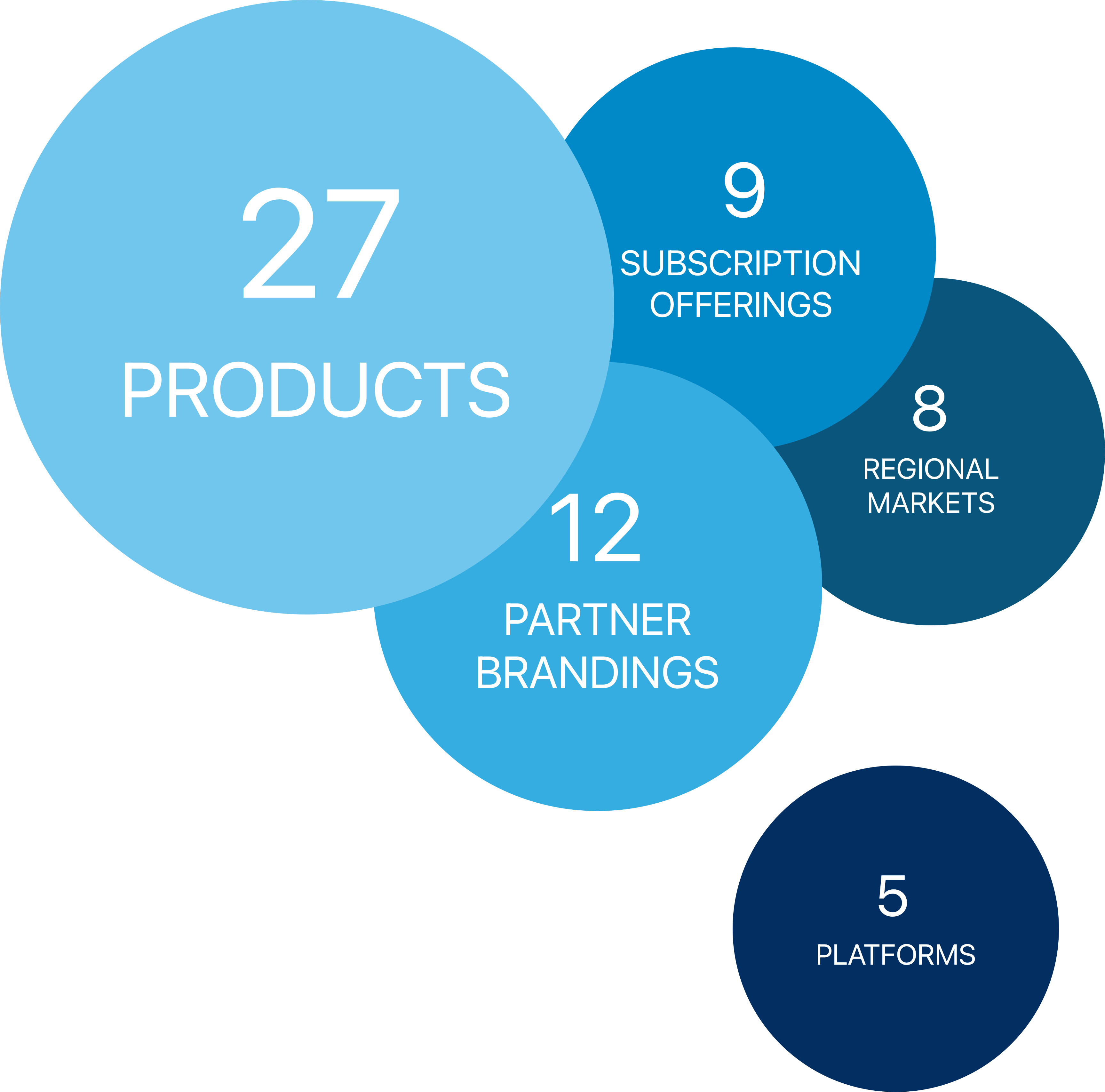
Norton doubled its product features through the acquisitions of LifeLock and SurfEasy and the introduction of Norton Core, requiring additional setups, installs, and monitoring across every subscription.
- Many users weren't taking full advantage of their subscriptions, leading to low retention and conversion rates.
- No single team owned this scale, so the dashboard had to work as a shared platform other teams could plug into, not a one-off design any single product could claim.
Users
Norton Subscriber
Uses one or more Norton products across PC, Mac, Android, and iOS, and needs one place to manage them all.
- Where do I find My Norton if I don't remember installing it?
- How do I know what's already protecting me versus what I still need to set up?
My Role
Lead Product Designer: owned the experience end-to-end, from interface to information architecture to usability testing, and made sure switching between mobile and desktop never felt like switching products.
Early Planning
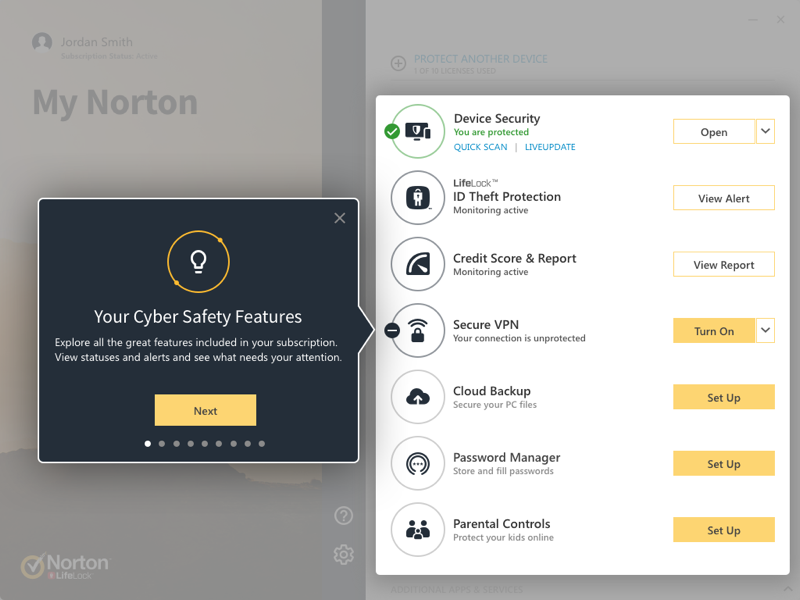
- Built one modular feature card system with 6 status states, from "not set up" to "at risk" to "installed on other devices," so any Norton product could plug into the same dashboard.
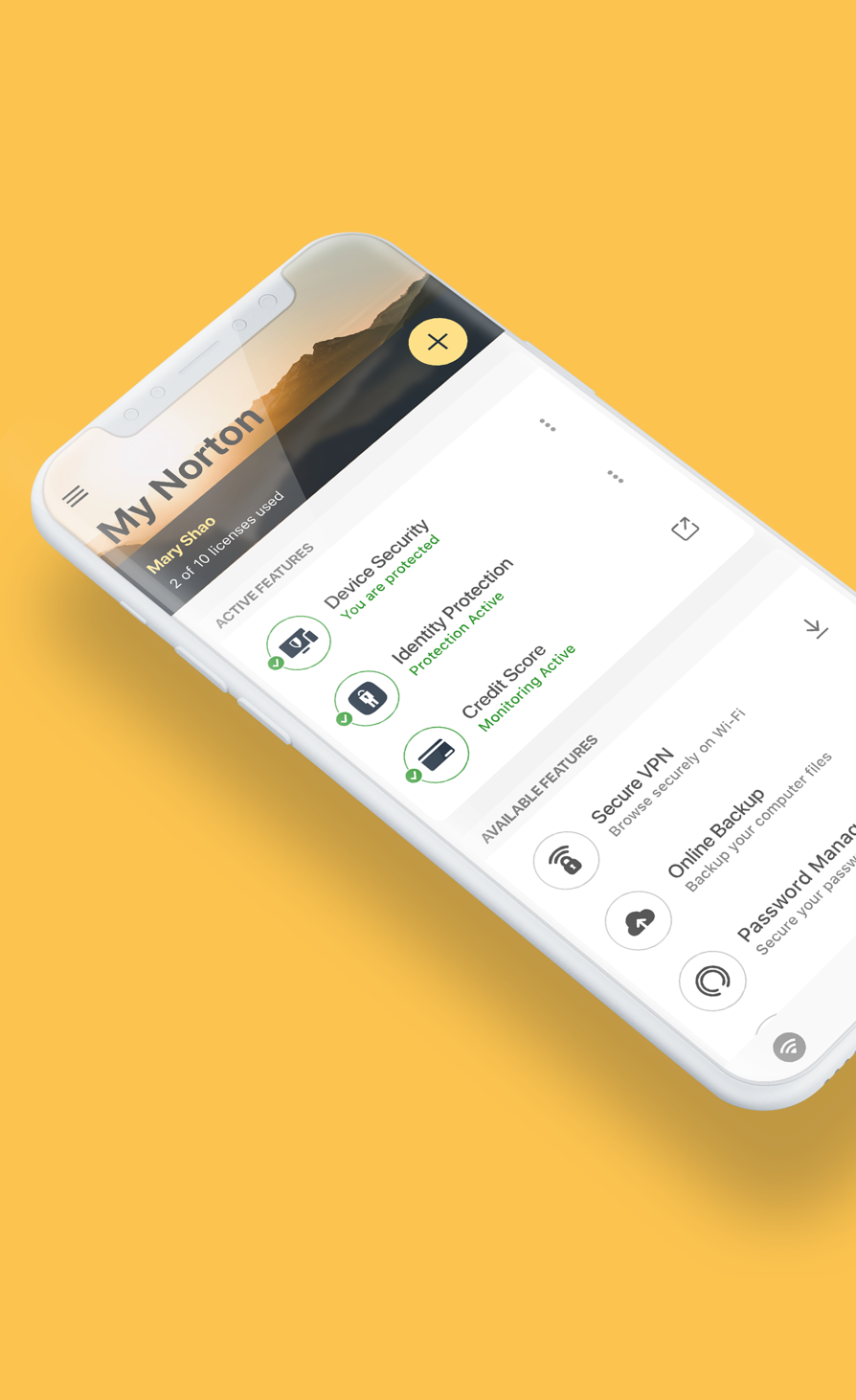
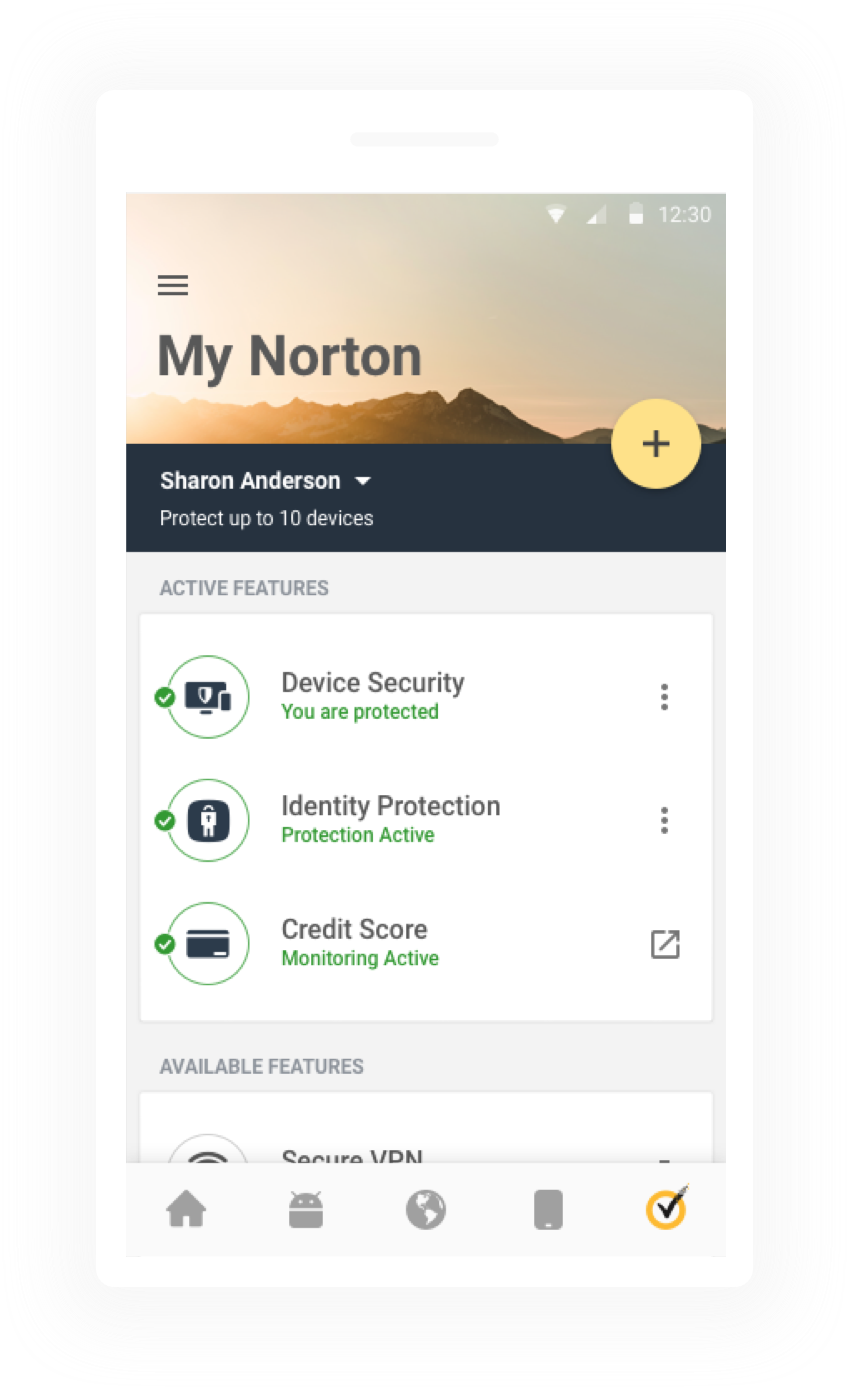
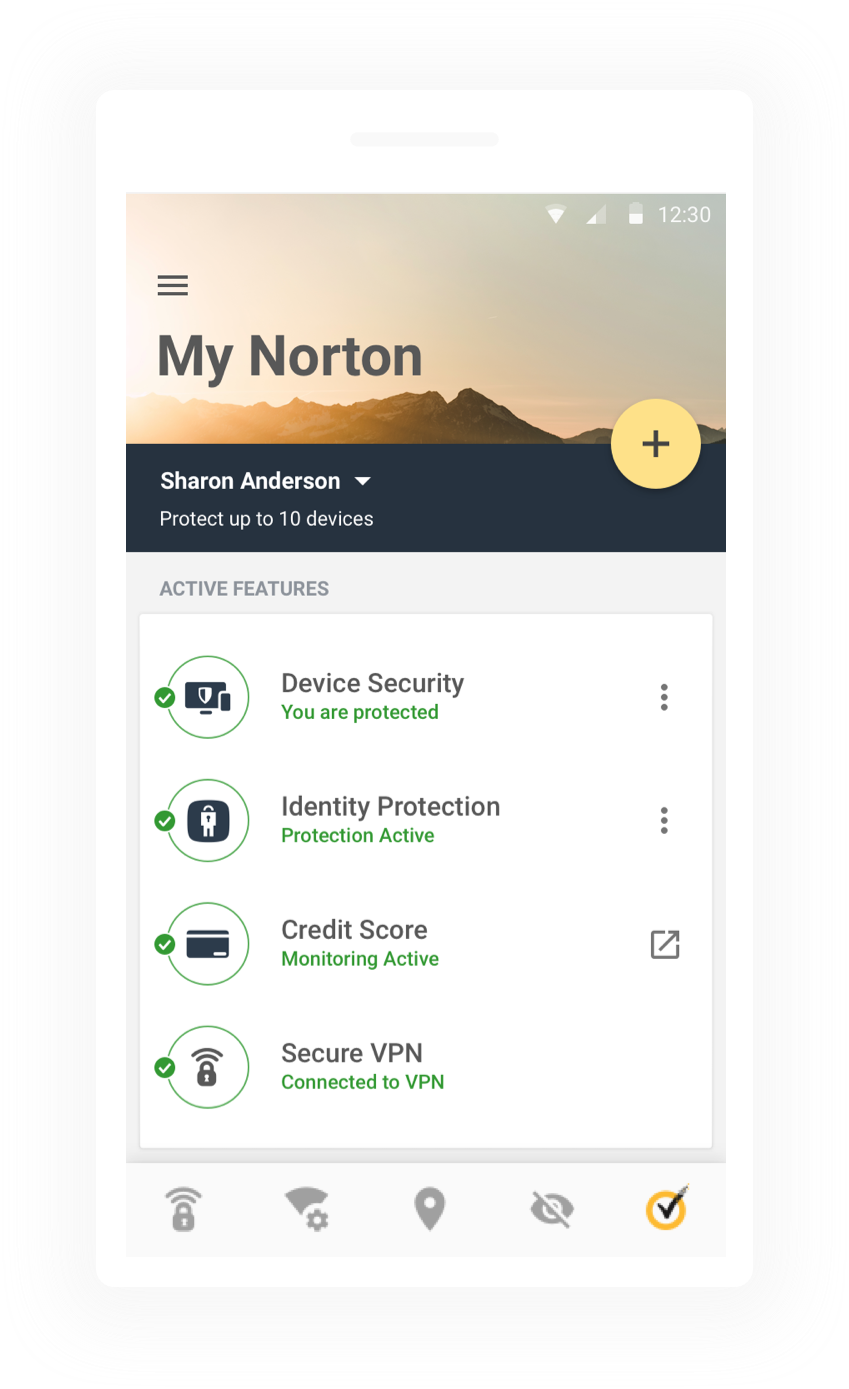
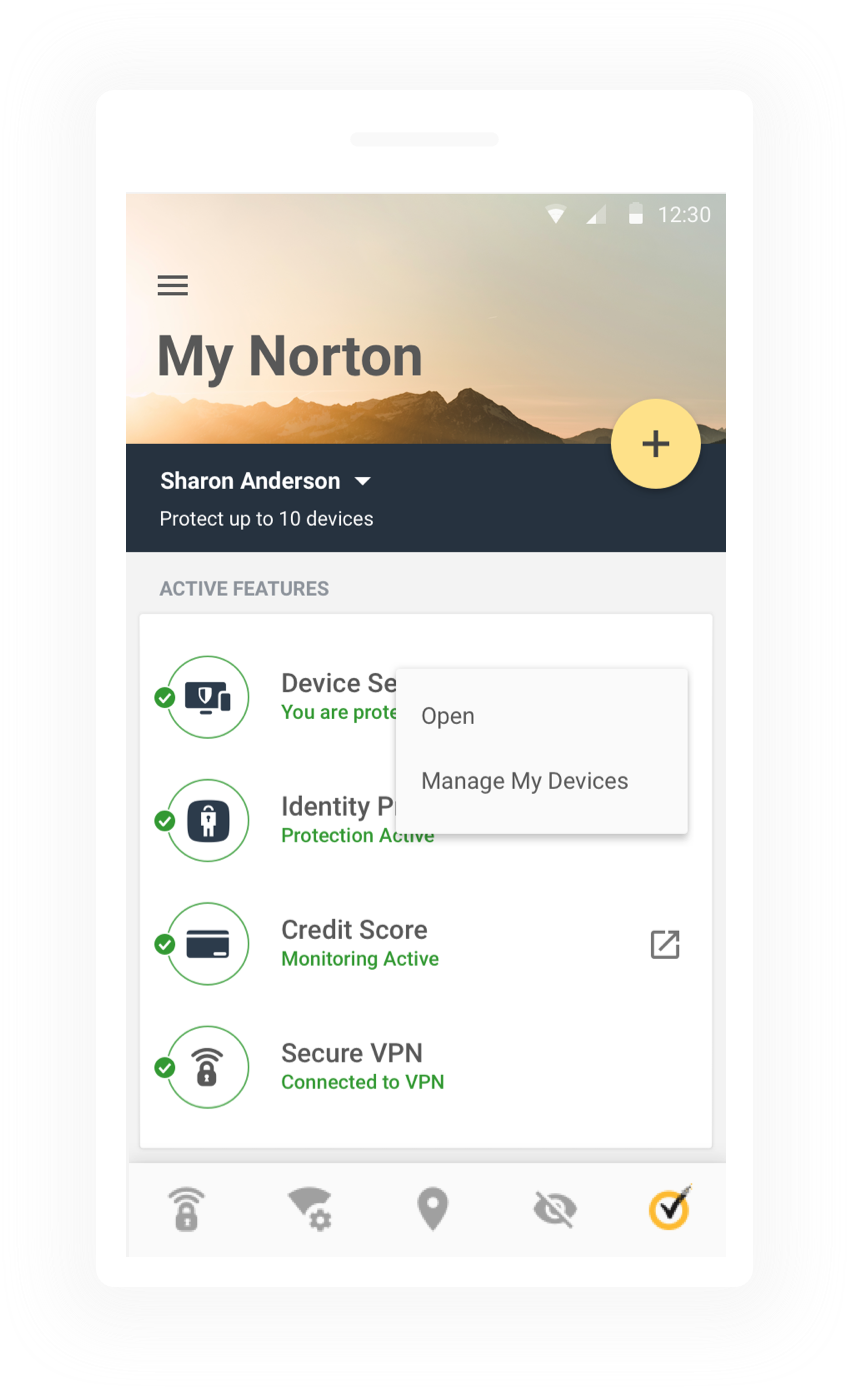
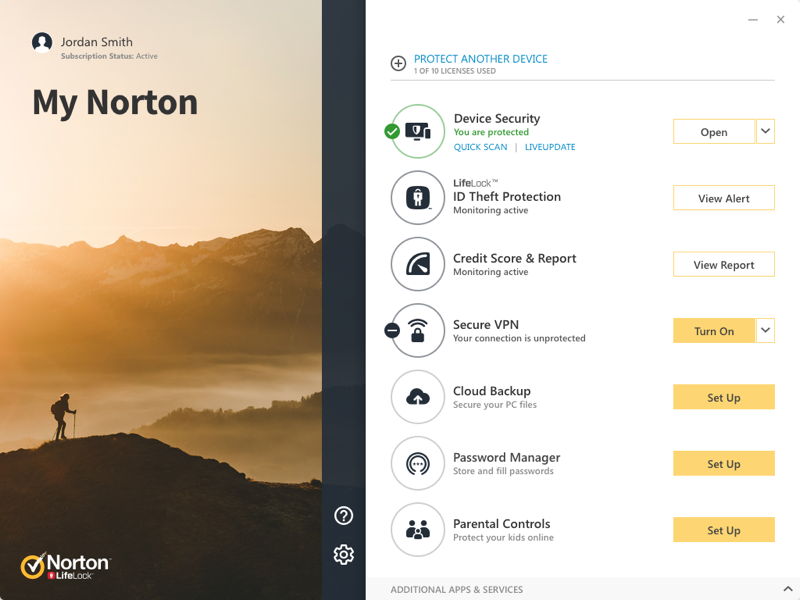
- Split every product into Active Features (ready to use) and Available Features (needing setup or download), so subscribers always know what's already protecting them.
- Designed the dashboard to rearrange itself for different regional needs, partner brandings, and subscription tiers without a redesign.
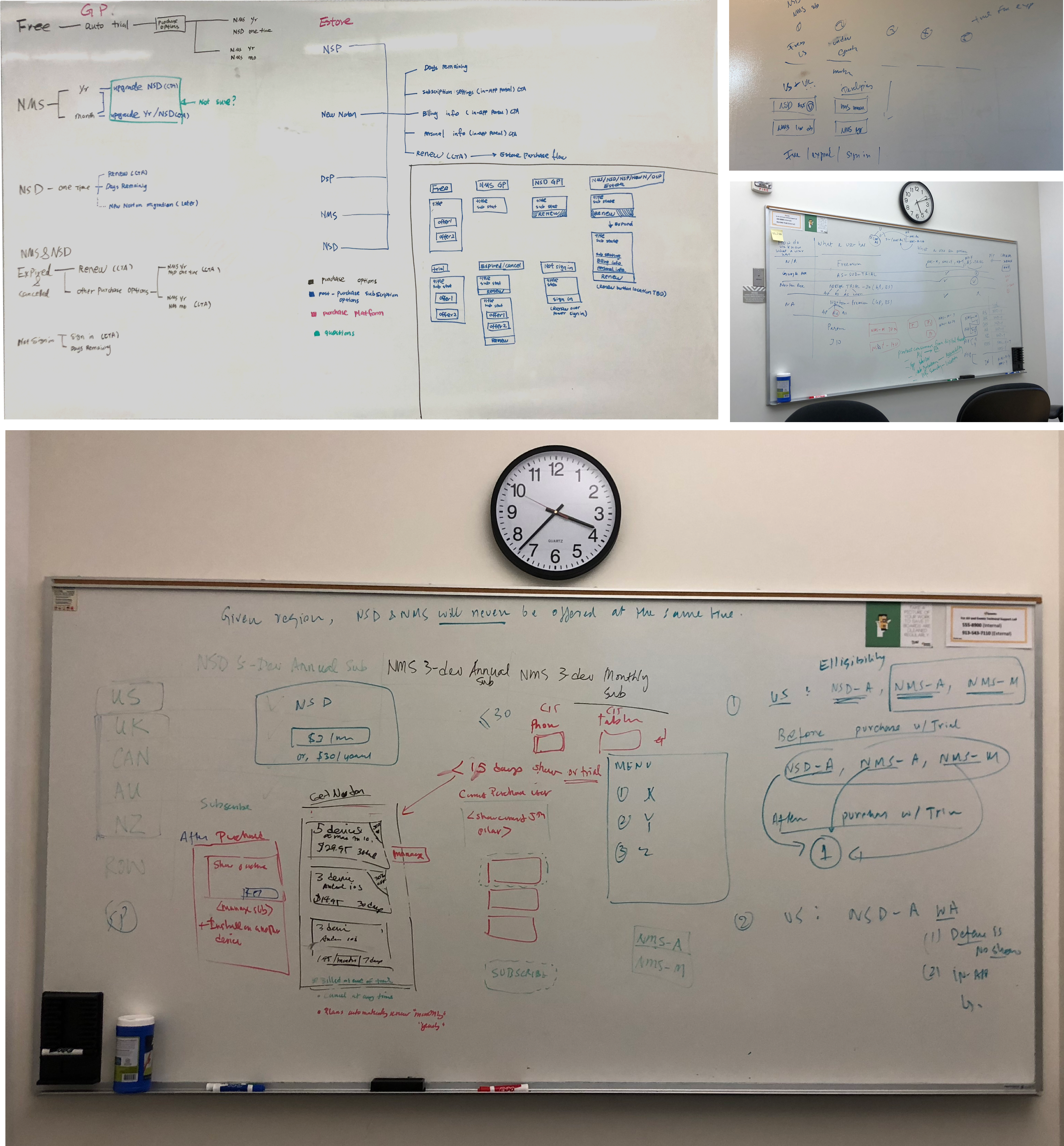
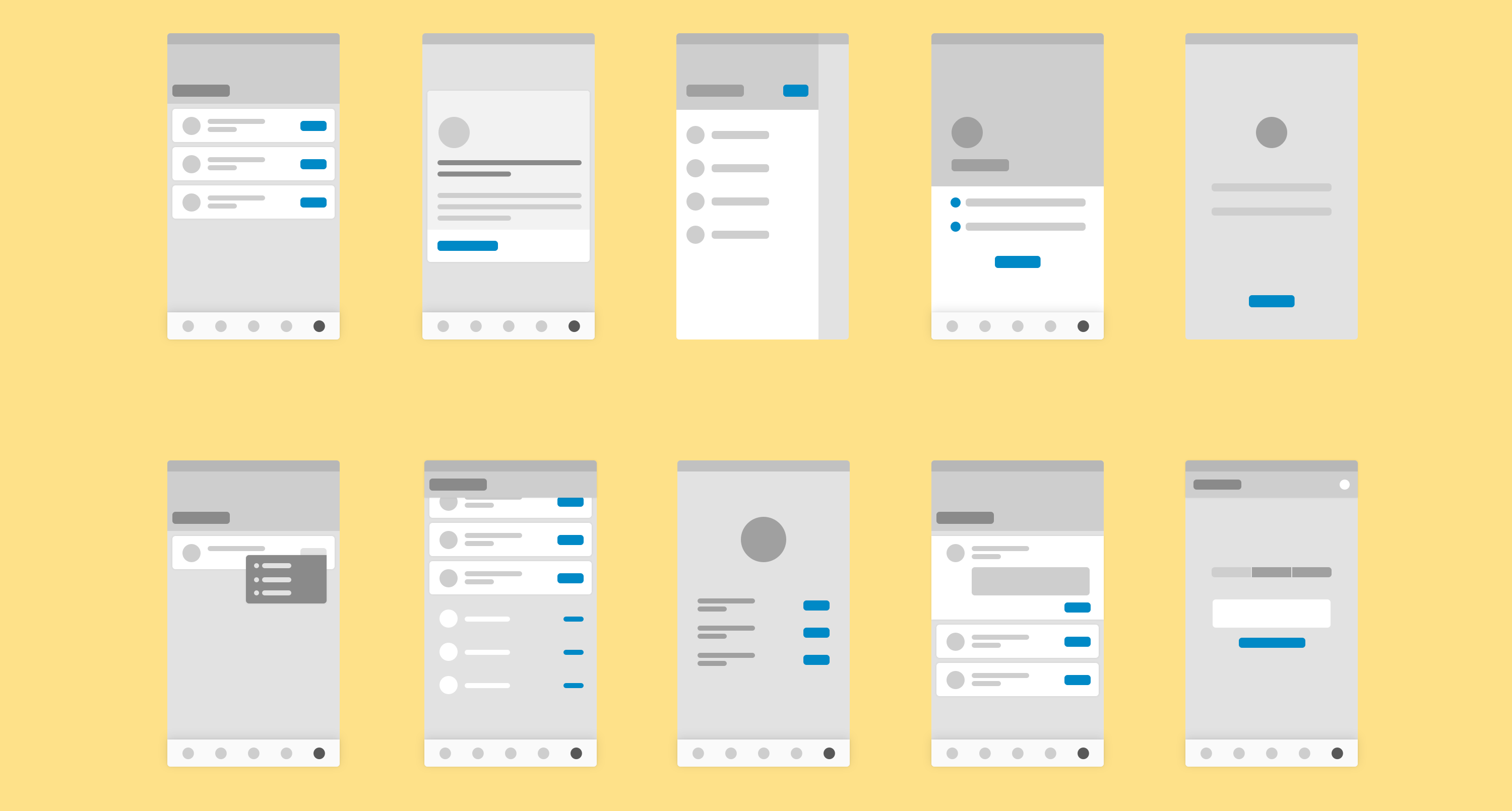
Many versions of wireframes were explored, some sketched in low fidelity on a whiteboard, others refined digitally before any visual design began.
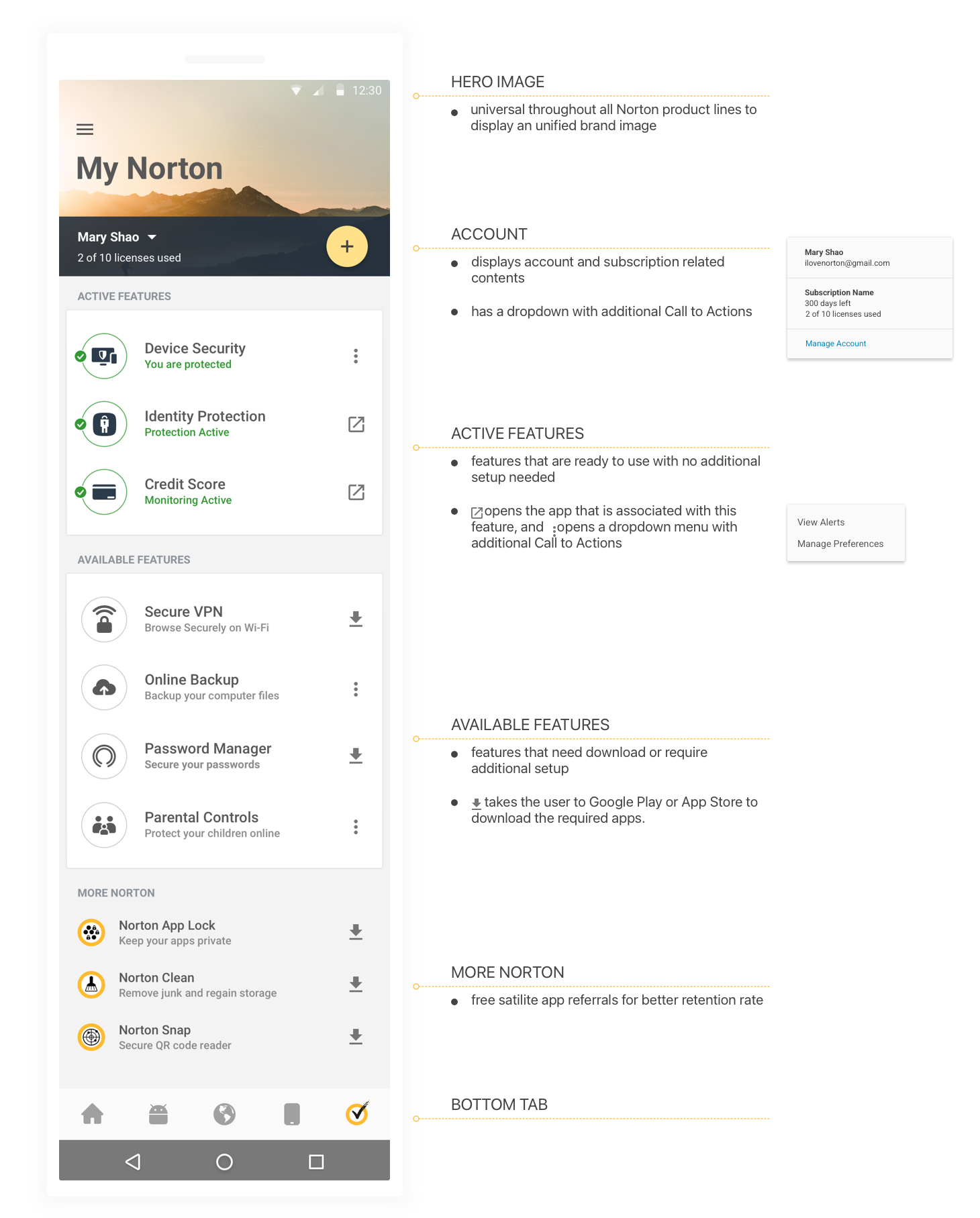
Mobile Dashboard Structure
One feature card system, universal across every Norton product line: a hero image and account summary up top, Active Features ready to use, Available Features needing setup, and a bottom tab that ties it all together.
Click the diagram to zoom in, scroll to adjust, drag to pan.
Final Design
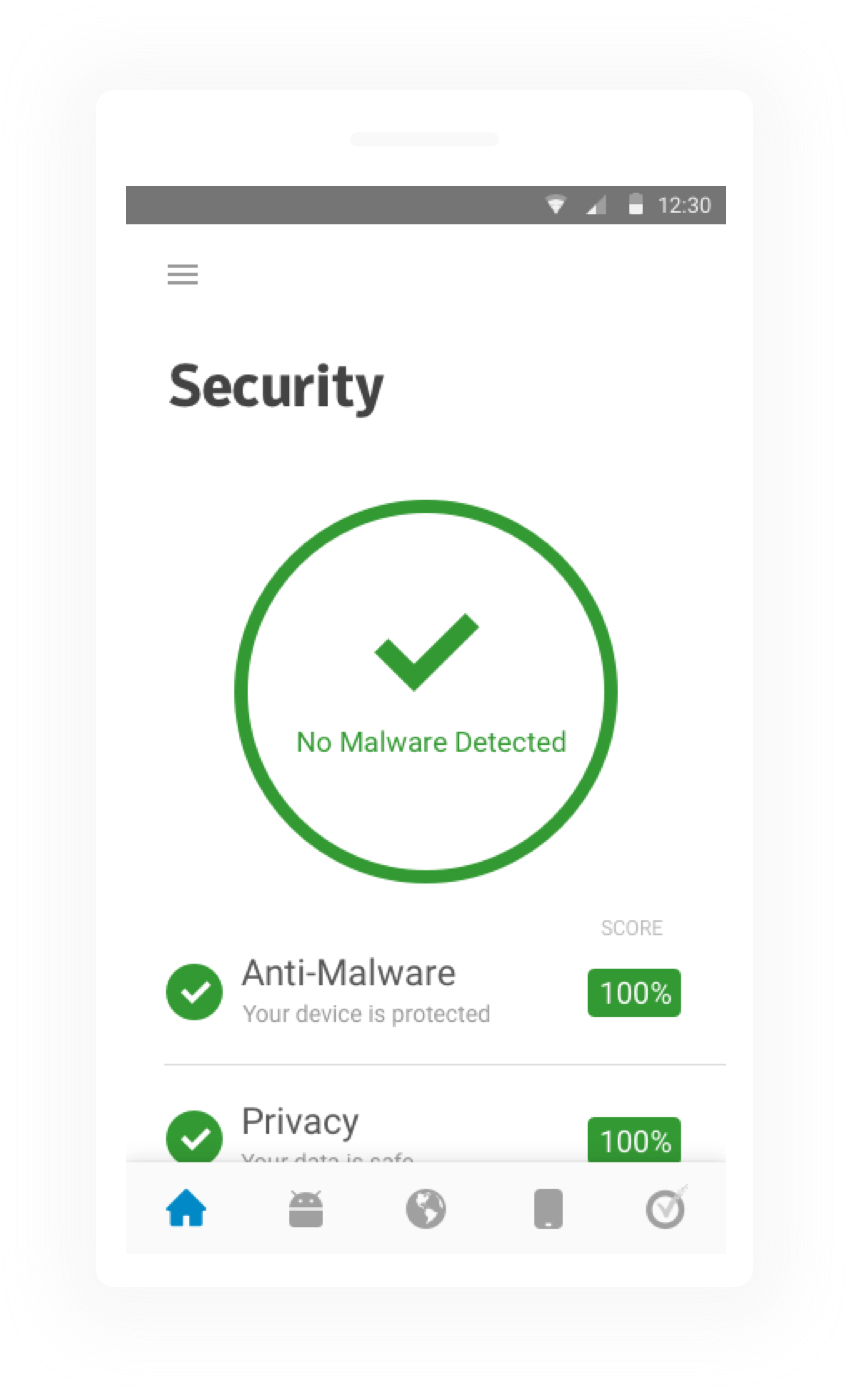
Shipped across a native desktop and a mobile app for Android.
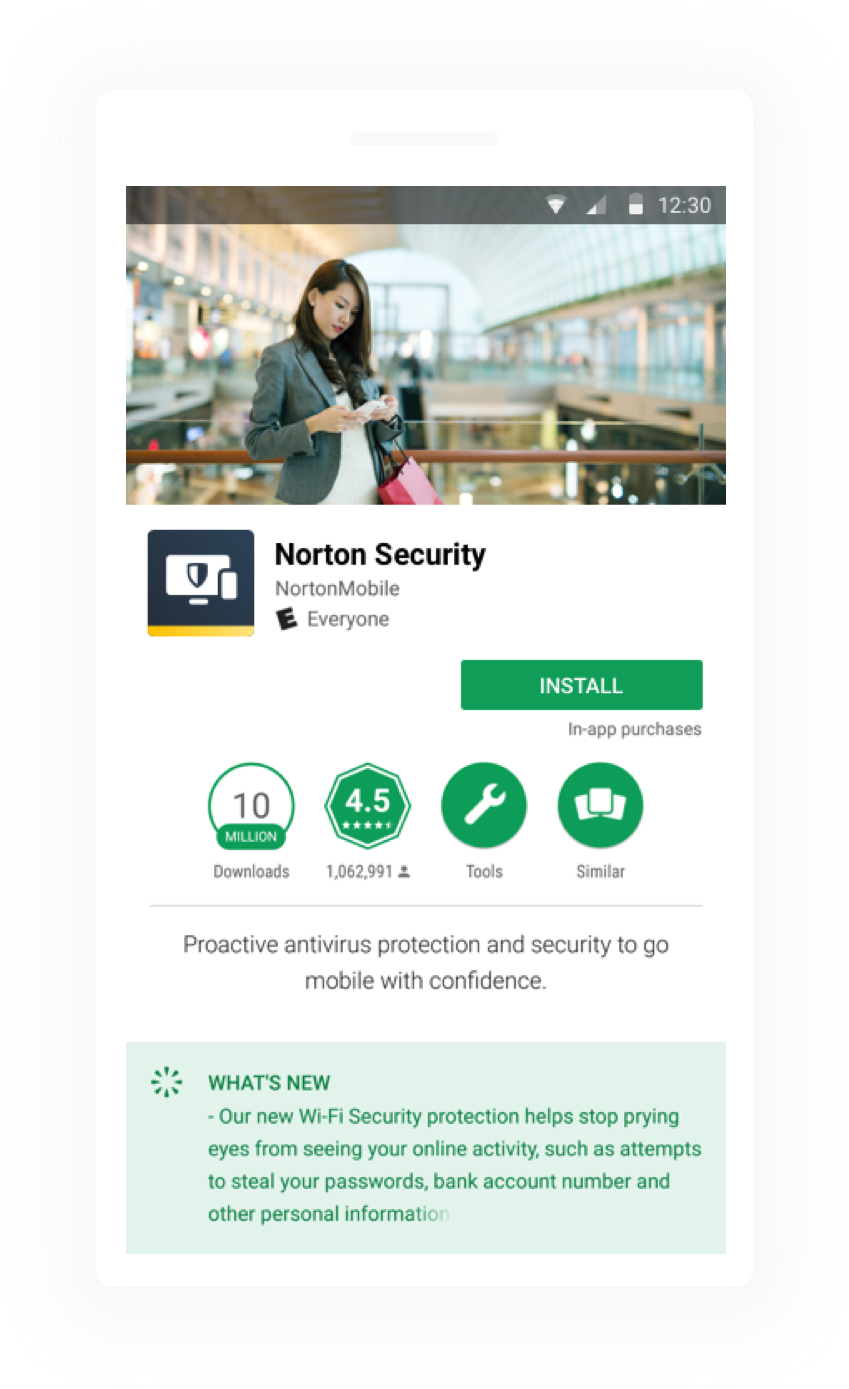
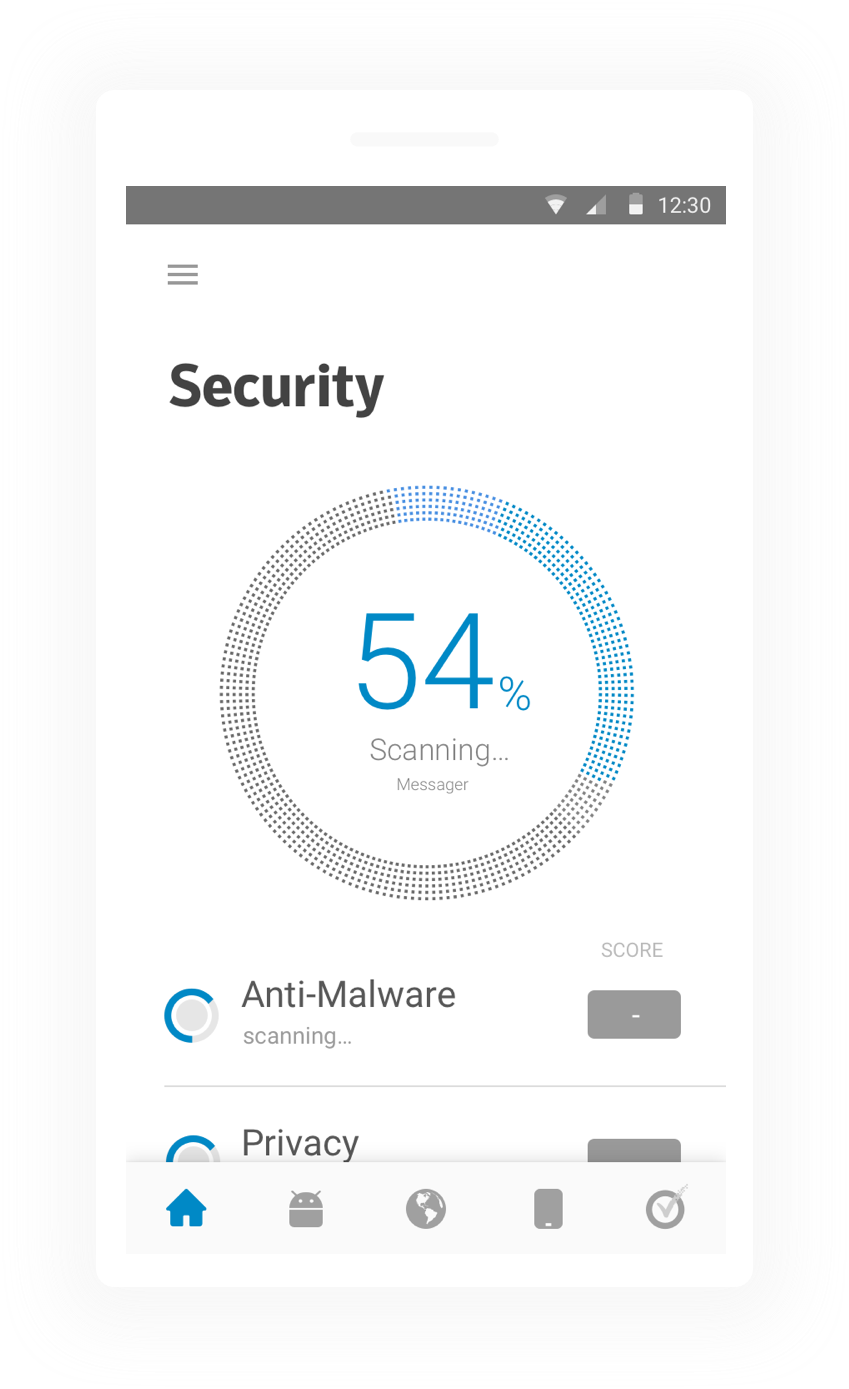
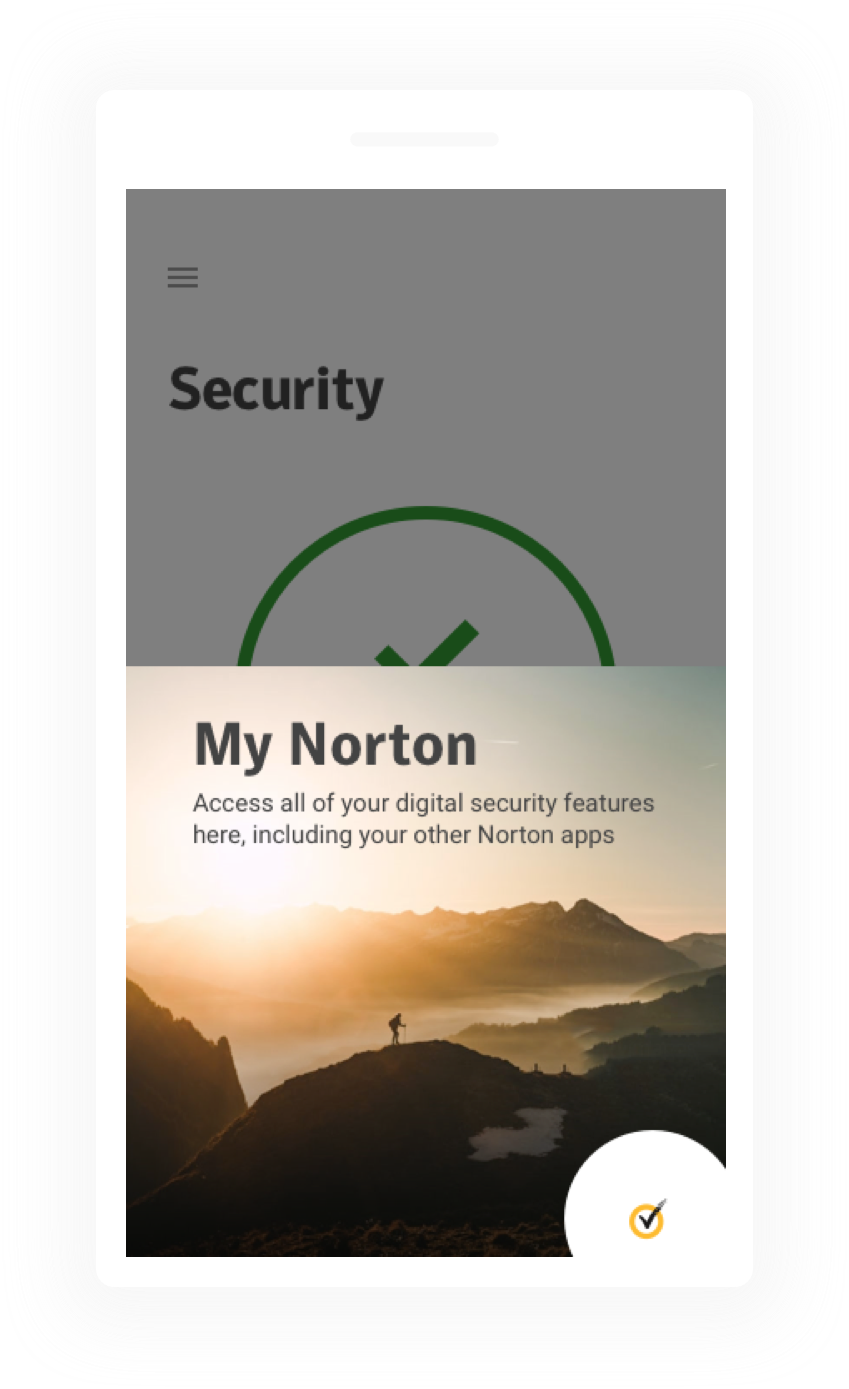
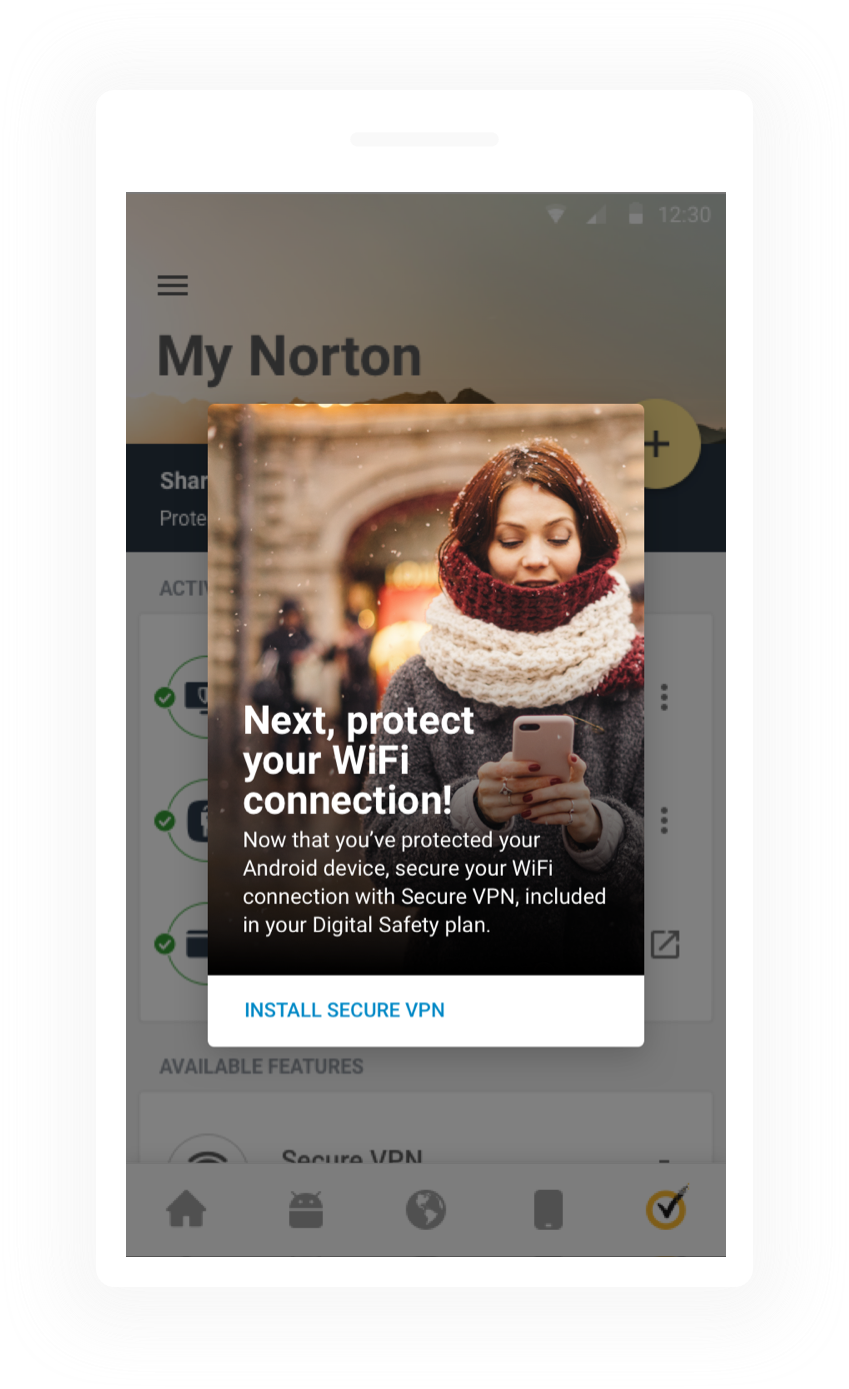
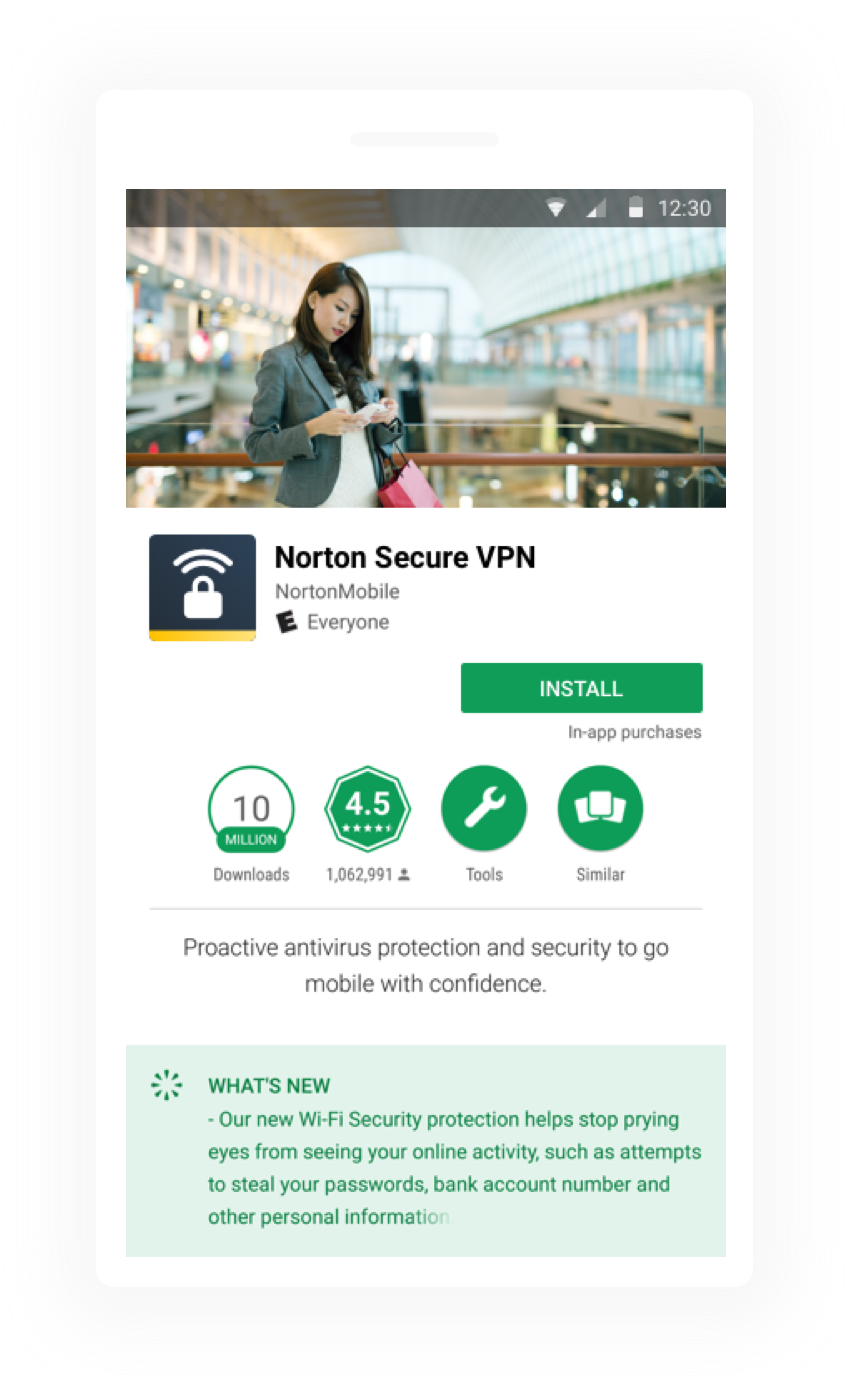
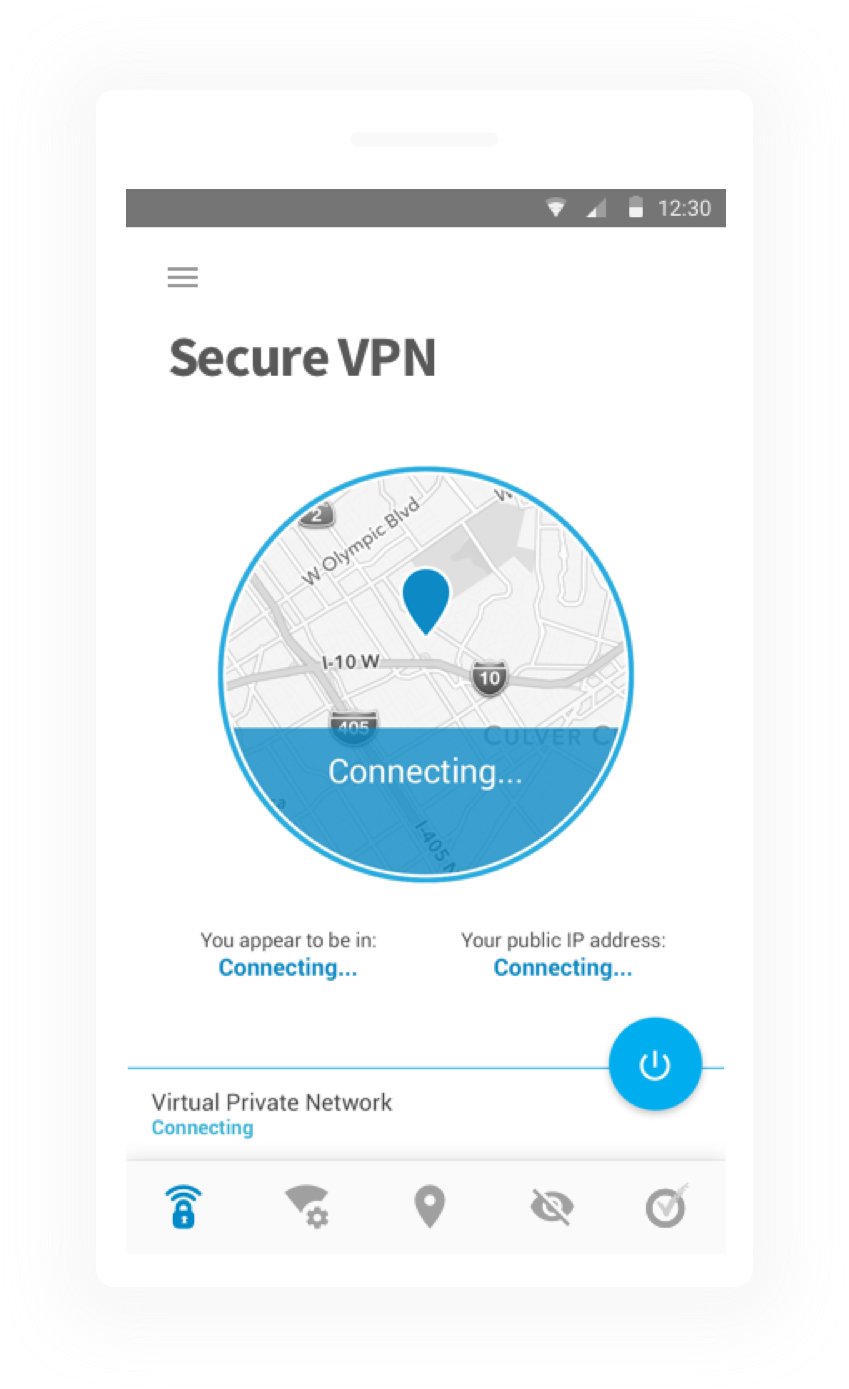
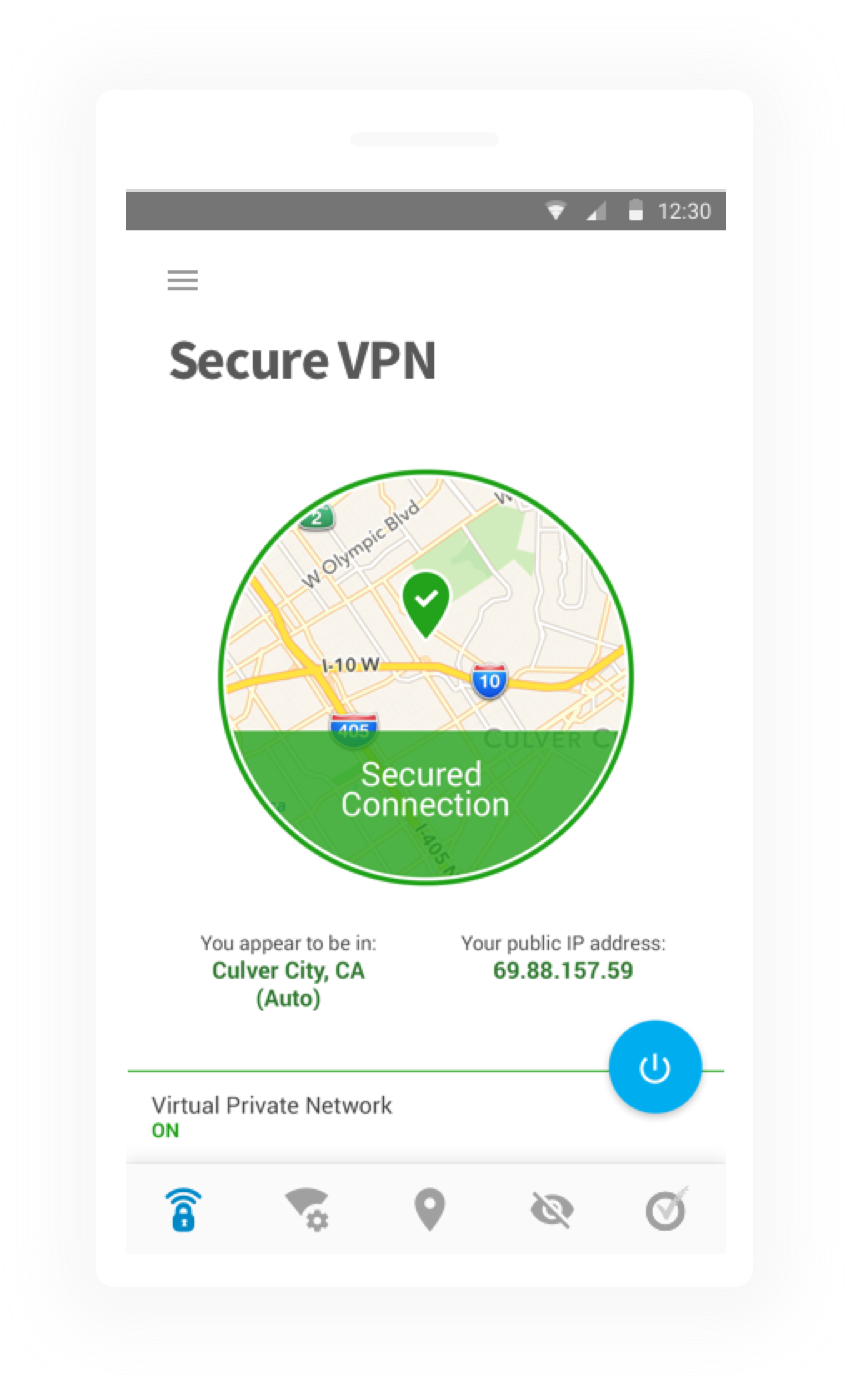
Mobile Onboarding Across Multiple Apps
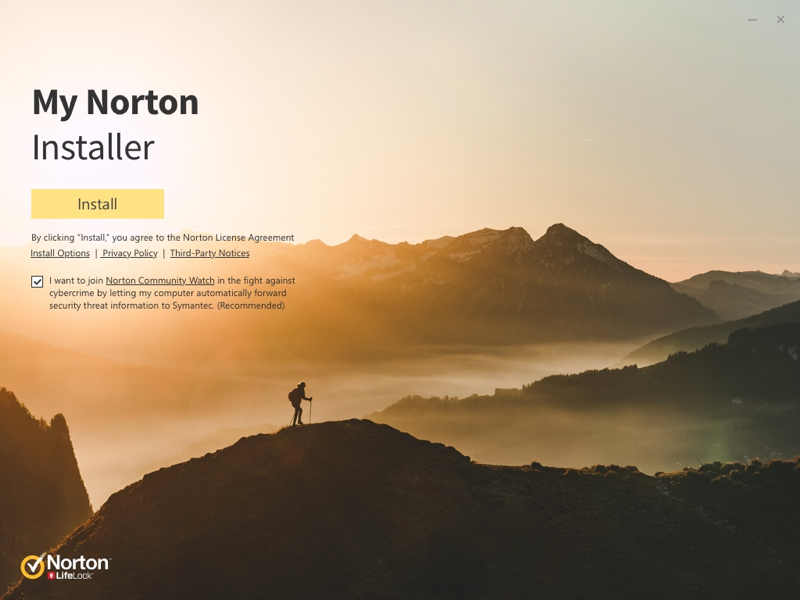
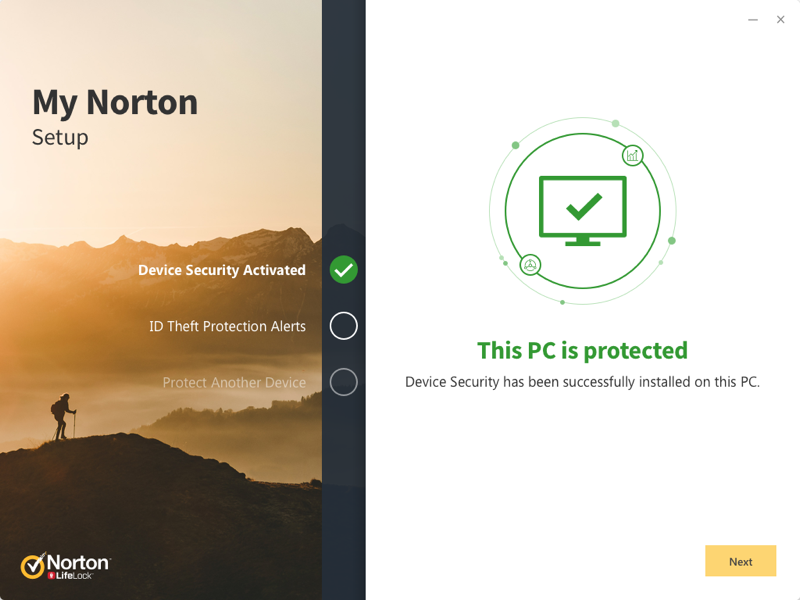
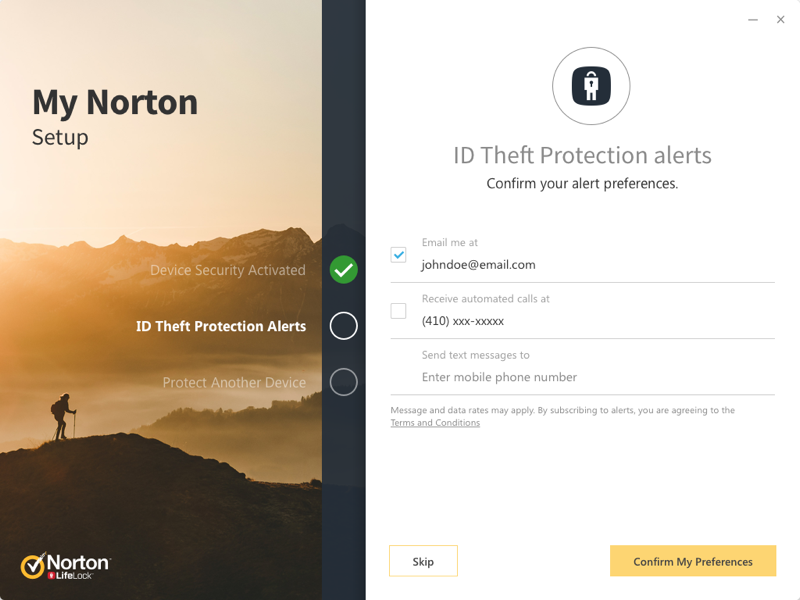
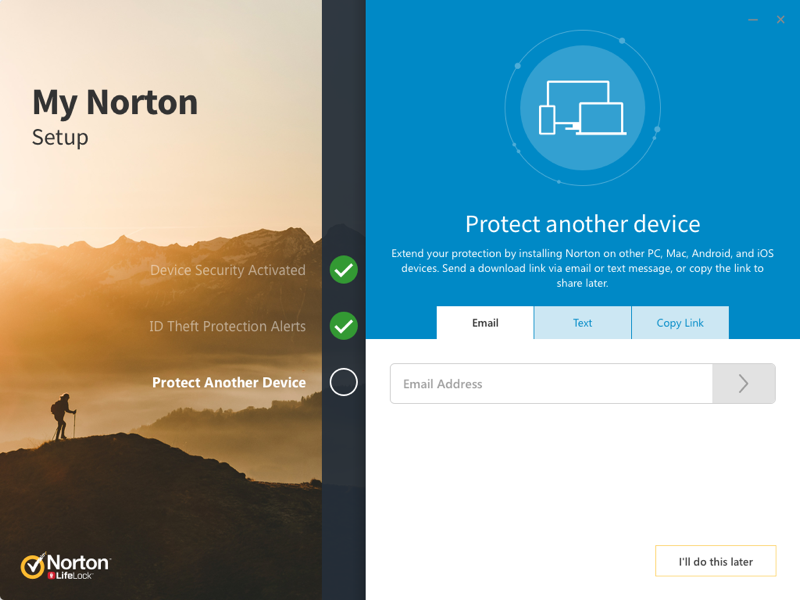
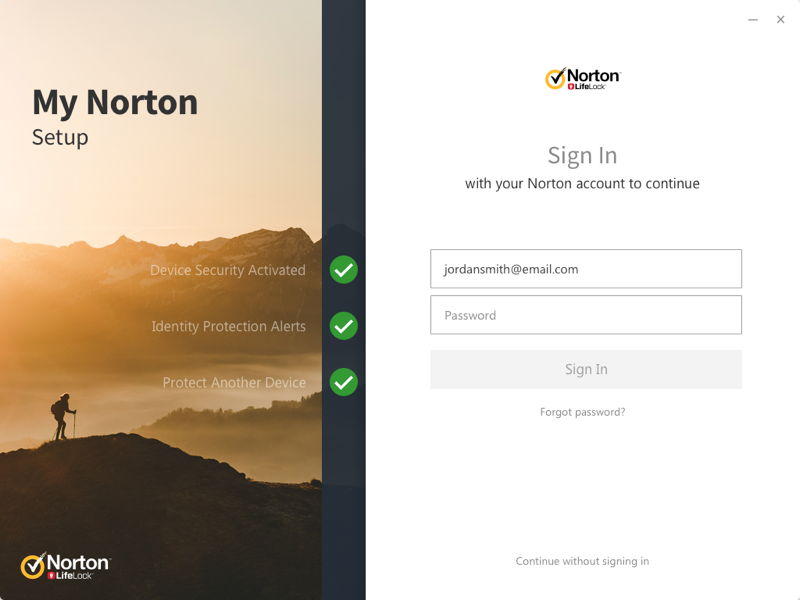
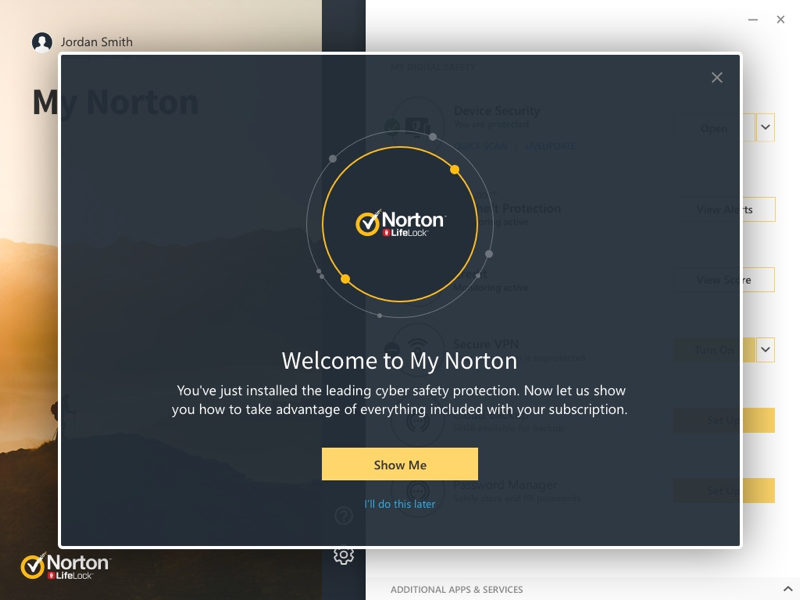
Desktop Onboarding and Setup
Results
95%
Subscription Utilization
Of Norton subscribers actively using the dashboard.

8%
Abandonment Rate
Down from 27% before the redesign.

27
Products Consolidated
Into a single dashboard.